
The classical interlaced video signal that is
compatible with a cathode ray tube television creates a flickering image that
has an evident vertical jagged line, while the progressive video signal designed
for LCD/LED/Plasma TVs ensures a more stable image that has no jagged lines.
LCD/LED/Plasma TVs only read videos in progressive format; therefore, if they
receive an interlaced video signal, they automatically convert it into the
progressive format (deinterlacing), while they do not modify the video if the
signal received is already progressive. The advantage of conveying a progressive
video signal to an LCD/LED/Plasma TV lies in the fact that the signal is not
deinterlaced by the TV anymore, and hence it preserves the original quality of
the video. Moreover the image will be more stable and will not flicker. TV
viewing of a progressive video ensures the same quality as the PC (which is
progressive).
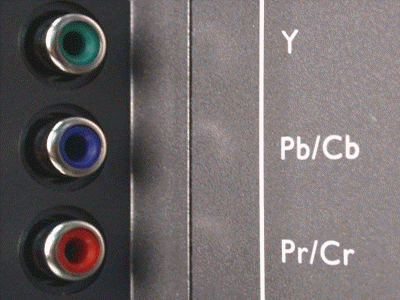
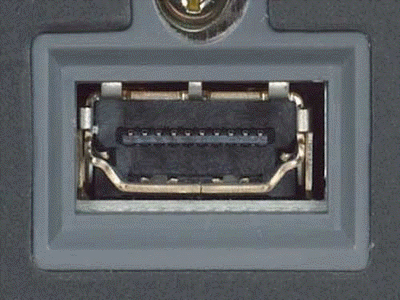
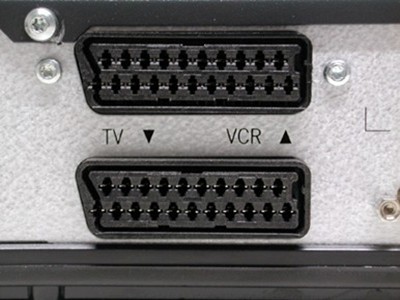
If you have an LCD/LED/Plasma TV then connect DVD player and TV with Component (left image) or HDMI cable (center image). Do not use SCART connection (right image), because it significantly worsens the video quality by causing deinterlacing of the video signal.
If you have an LCD/LED/Plasma TV then connect DVD player and TV with Component (left image) or HDMI cable (center image). Do not use SCART connection (right image), because it significantly worsens the video quality by causing deinterlacing of the video signal.
|
Example of interlaced frame
(note the typical vertical jagged line):
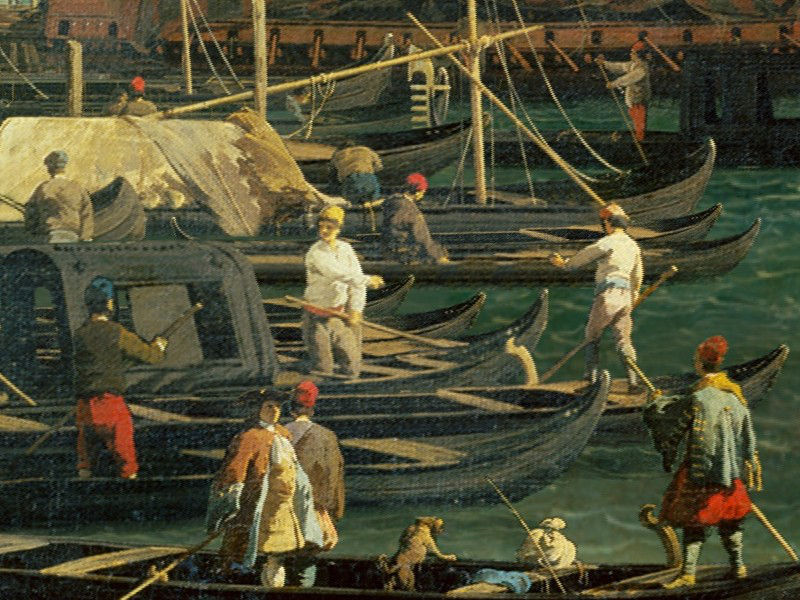
Example of progressive frame:
(note the typical vertical jagged line):