|
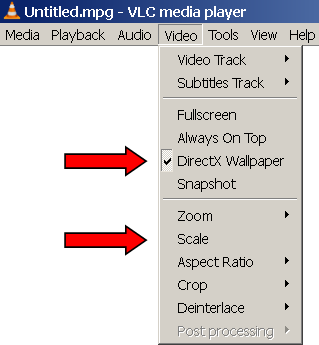
To see DVDart videos in Windows Desktop:
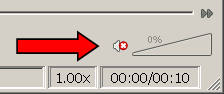
4) [optional] disable audio in the lower right corner of VLC window
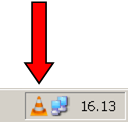
5) [optional] click on VLC icon in the lower right corner of Windows taskbar to hide VLC
|
|
To see DVDart videos in Windows Desktop:
4) [optional] disable audio in the lower right corner of VLC window
5) [optional] click on VLC icon in the lower right corner of Windows taskbar to hide VLC
|